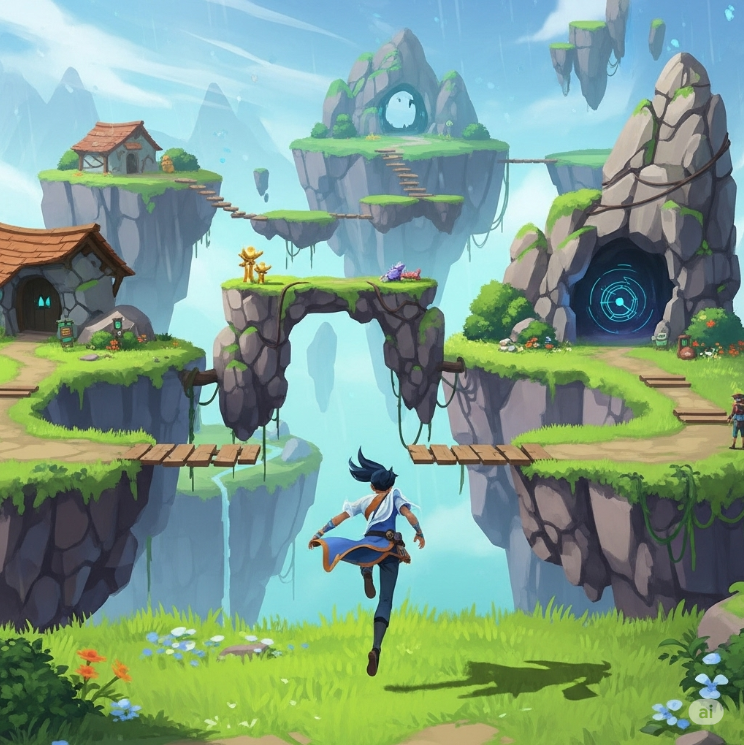
SkyHop
A downloadable game
This game is still in development honest feedback is appreciated. More updates to come in the near future.
Movement is WASD based there is also a control list as well as a how to play in the game itself.
Recommended Specs:
- Operating System: Windows 10 (64-bit) or macOS 11.0+.
- Processor: A quad-core Intel or AMD processor with a clock speed of 2.5 GHz or faster.
- Memory: 8 GB of RAM.
- Graphics: A DirectX 11 or 12 compatible GPU with 2 GB of VRAM, such as an NVIDIA GTX 770 or AMD Radeon R9 280.
Sky Hop – A Third-Person Platformer Adventure
Leap into the skies in Sky Hop, a fast-paced third-person platformer where precision, timing, and exploration take center stage.
Soar across floating islands, bounce off mystical platforms, and chain together jumps to uncover hidden paths and secrets. With smooth controls and vibrant level design, every leap feels rewarding as you climb higher and higher toward the unknown.
Features
-
🌌 Vertical Platforming – Navigate floating worlds suspended in the sky.
-
🎮 Tight Controls – Responsive movement designed for fluid jumps and satisfying combos.
-
🔑 Secrets & Collectibles – Explore every corner to unlock hidden rewards.
-
⚡ Challenging Progression – Levels that test skill, timing, and creativity in movement.
-
🎨 Stylized Worlds – Bright, minimal environments that highlight movement and flow.
Whether you’re a platforming veteran or just love hopping around beautiful spaces, Sky Hop offers an engaging, skill-based journey above the clouds.
Credits - Designers
Gavin Finning (Lead Level Designer/Systems Designer/Lead Gameplay Designer)
Christopher Fleenor (Lead Systems Designer/UI Designer/Gameplay Designer)
Jonah Broadnax (Level Designer/UI Designer)
Credits - Artists
Emery Manary
Julian Post
Morgan Marshall
Michael Smith
Download
Install instructions
Download the file: On the game's download page, click the download button and select the correct file for your operating system.
Extract the archive:
Find the downloaded file in your Downloads folder.
Right-click: the file and select Extract All (or a similar option from your archiving software).
Choose an empty folder to extract the files into.
Locate the game executable: Open the new folder you created.
Run the game: Look for a file with an .exe extension (on Windows) and double-click it.
Bypass warnings: Your anti-virus or Windows Protection might show a warning. If you trust the source, you may need to click More Info and then Allow This App or Launch Anyway to run the game.
Comments
Log in with itch.io to leave a comment.
Hello everyone thanks for checking out the game! If there is any issues you experience please let me know that way the issue can be resolved.
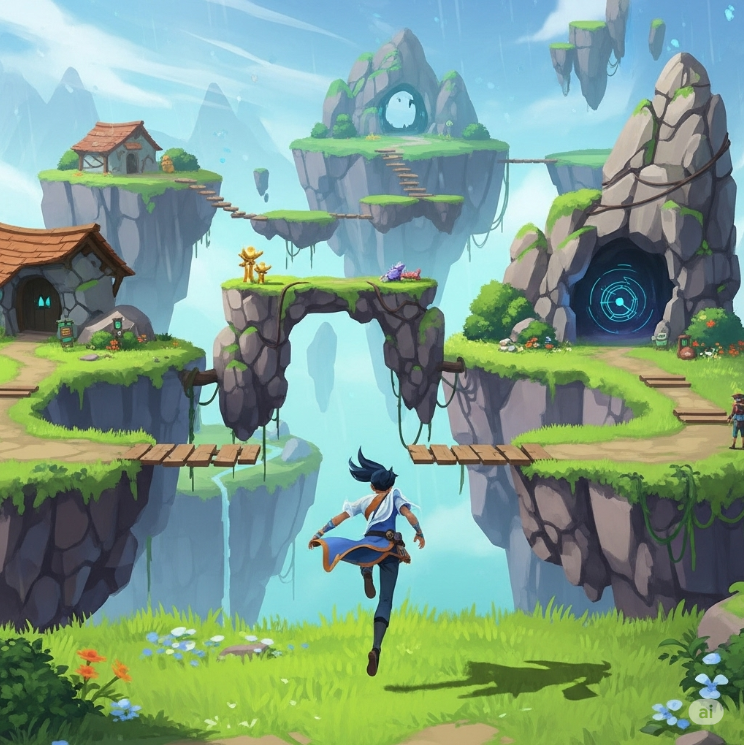
For those considering trying it - No screenshots from within the game are on this post cuz it's at prototype stage with no graphics. It's a platformer with WASD and spacebar controls, E to climb, and shift to sprint. It's colored floating blocks in unreal engine.